Discord チャットを Excel・CSV に出力する方法

Excel(XLSX)は見出し行を固定したブック、CSV は Google Sheets、データベースやスクリプト向けです。必要なら期間を指定して出力すると、1メッセージが1行になります。

CSV はバイトオーダーマーク付き UTF-8 です。文字が崩れたら UTF-8 で読み込んでください。=、+、-、@ から始まる本文にはアポストロフィを付けてエスケープします。Google Sheets ではファイル → インポート → アップロードを使い、Author のピボット集計や Timestamp の日別集計ができます。
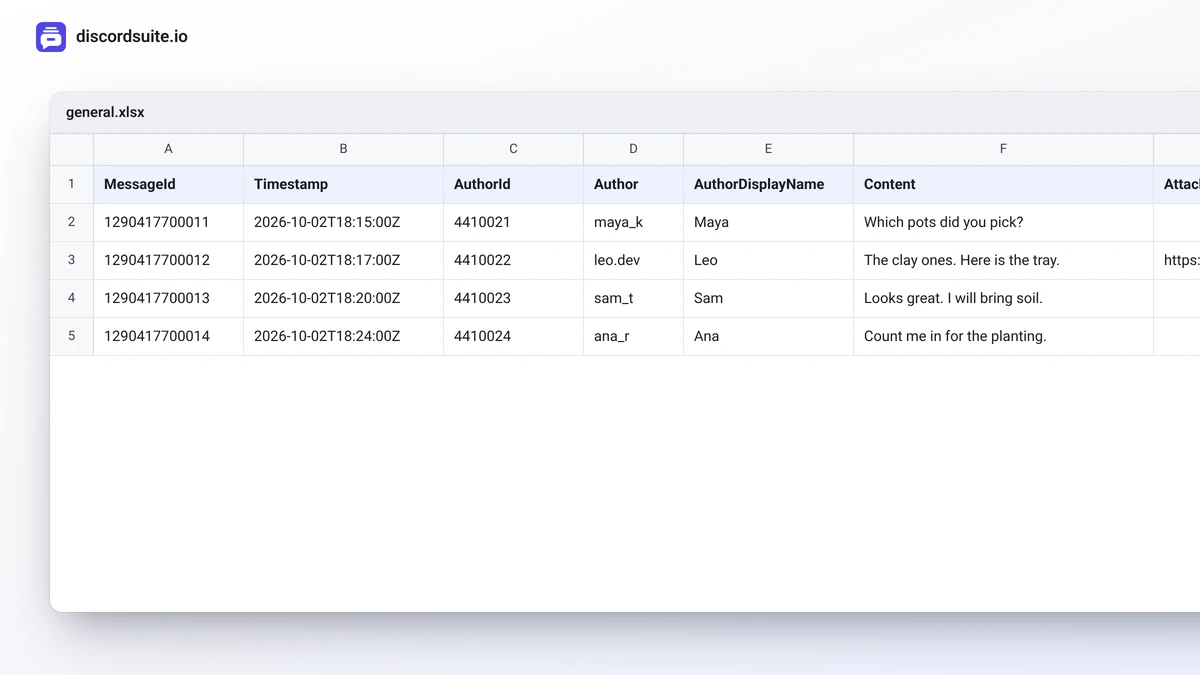
A Discord chat exported to a spreadsheet: one row per message with MessageId, Timestamp, AuthorId, Author, AuthorDisplayName and Content columns, and more columns off to the right.
In Excel or CSV, each message is one row with its own columns.
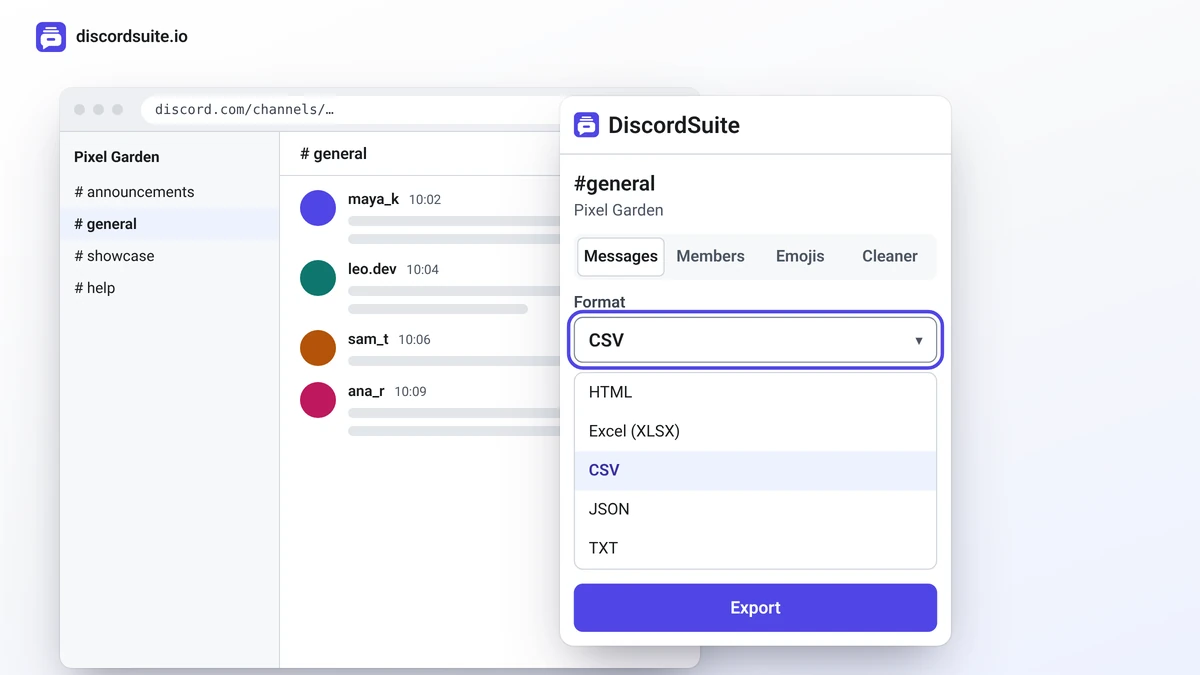
The DiscordSuite popup with the Format menu open, listing HTML, Excel (XLSX), CSV, JSON and TXT, and CSV selected, to export a Discord chat to Excel or CSV.
Choose Excel (XLSX) or CSV in the Format menu before you press Export.