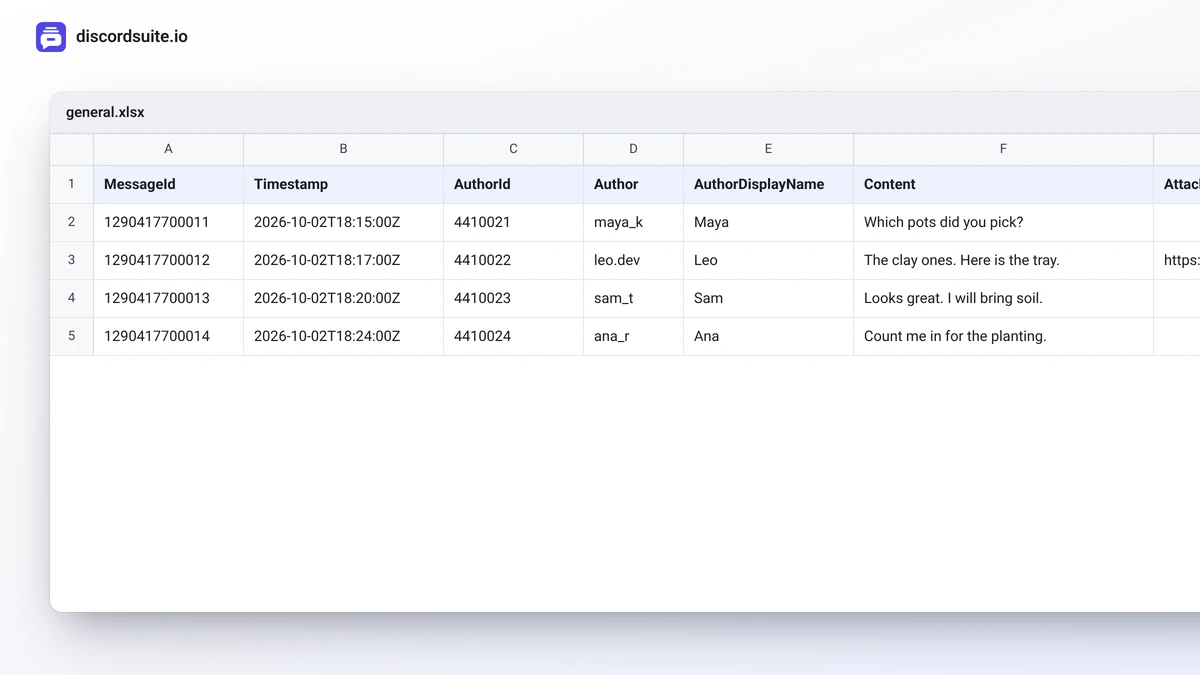
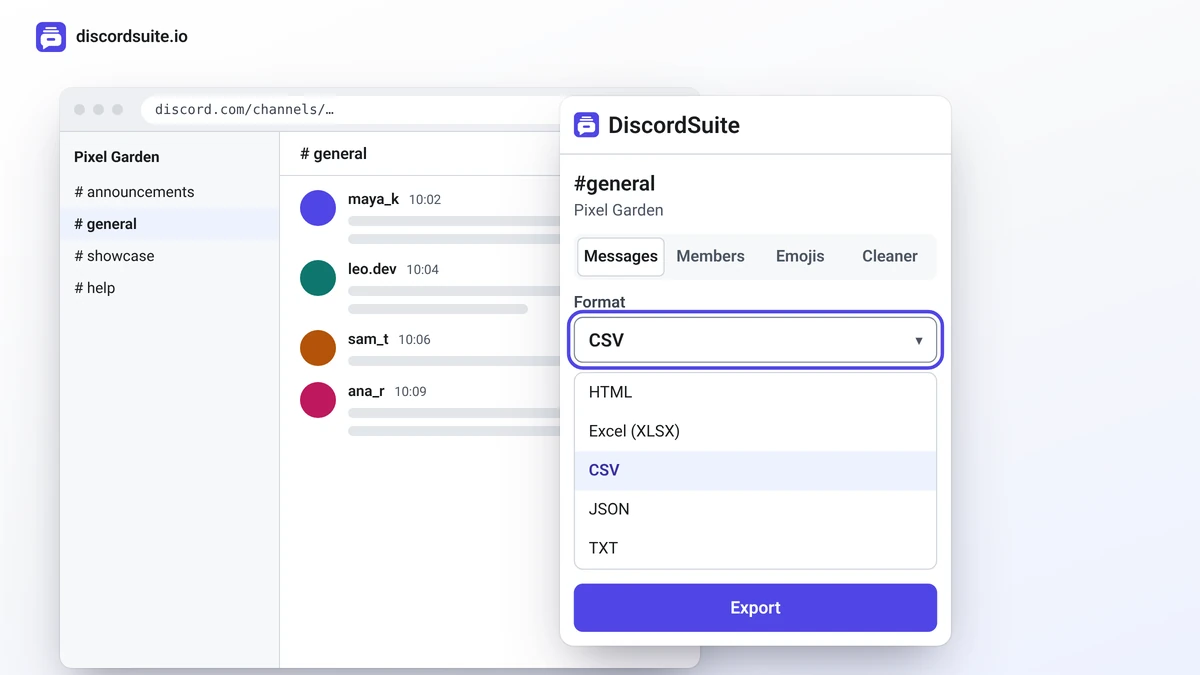
Excel(XLSX)活頁簿凍結標題列;CSV 適合 Google Sheets、資料庫或指令碼。視需要設定日期後匯出,每則訊息各占一列。
CSV 使用帶位元組順序標記的 UTF-8。若字元異常,請以 UTF-8 匯入。以 =、+、- 或 @ 開頭的文字會加單引號跳脫。在 Google Sheets 選擇檔案 → 匯入 → 上傳;可依 Author 製作樞紐分析表,或按日彙整 Timestamp。
Excel(XLSX)活頁簿凍結標題列;CSV 適合 Google Sheets、資料庫或指令碼。視需要設定日期後匯出,每則訊息各占一列。
CSV 使用帶位元組順序標記的 UTF-8。若字元異常,請以 UTF-8 匯入。以 =、+、- 或 @ 開頭的文字會加單引號跳脫。在 Google Sheets 選擇檔案 → 匯入 → 上傳;可依 Author 製作樞紐分析表,或按日彙整 Timestamp。