What is a Discord token?
What does a Discord token do?
When you log in, the Discord app gets a token and sends it with each request: loading a channel, sending a message, opening a DM. Discord's servers check the token instead of asking for your password every time. Discord's developer docs describe the same idea for apps: requests carry an Authorization header with a bot token, an OAuth2 bearer token or, for a few OAuth2 endpoints, an app's client credentials.
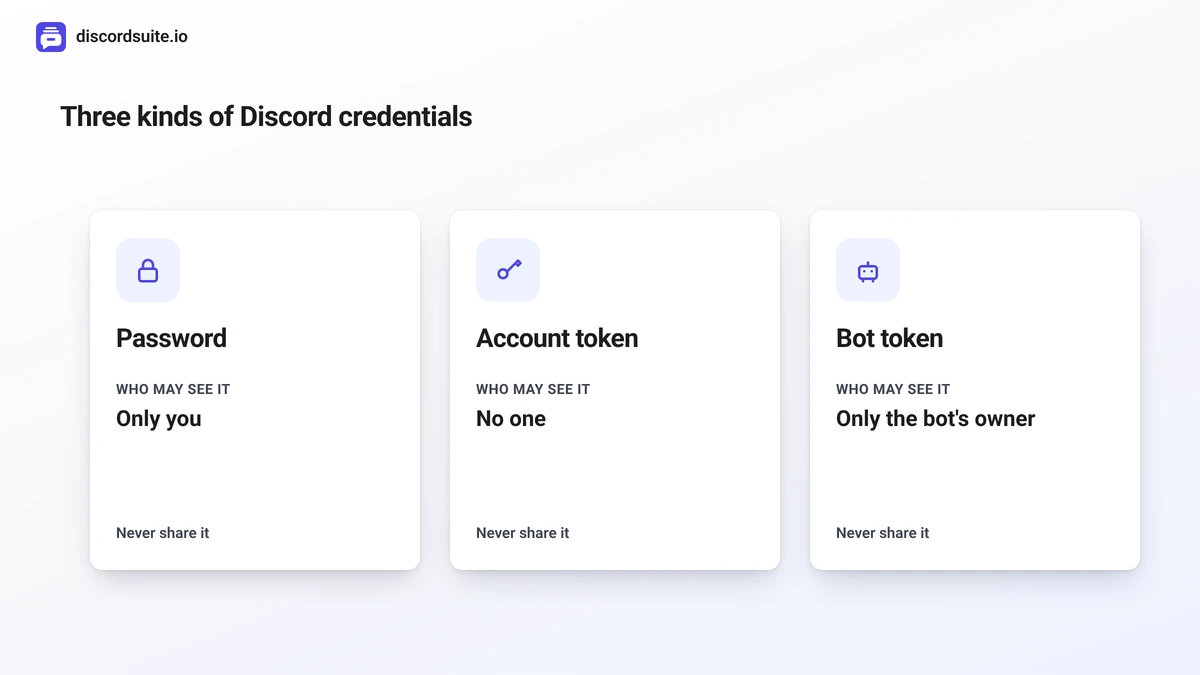
So a token works like a key that's already been turned. It doesn't need your password or your two-factor code, because those checks happened when the token was issued.
What kinds of Discord tokens are there?
Your account token (user token).
Issued to the Discord app or browser when you log in. It acts as you, with everything your account can do.
Bot tokens.
Discord has a separate kind of account for automation, the bot account. A developer creates one in the Developer Portal and gets a bot token for it. A bot can only see and do what its permissions and settings allow, in the servers it was added to.
OAuth2 bearer tokens.
What an app gets when you click "Authorize" on a Discord sign-in screen. It's limited to the permissions (scopes) you approved.
What does a Discord token look like?
A long run of letters, numbers, dashes and underscores, in three parts separated by dots. The examples in Discord's developer docs follow that pattern. The exact format isn't something to rely on, and if a real one ever appears in a chat, a file or a screenshot, treat it as leaked.
What should you do if your token leaked?
Discord's steps:
- 1
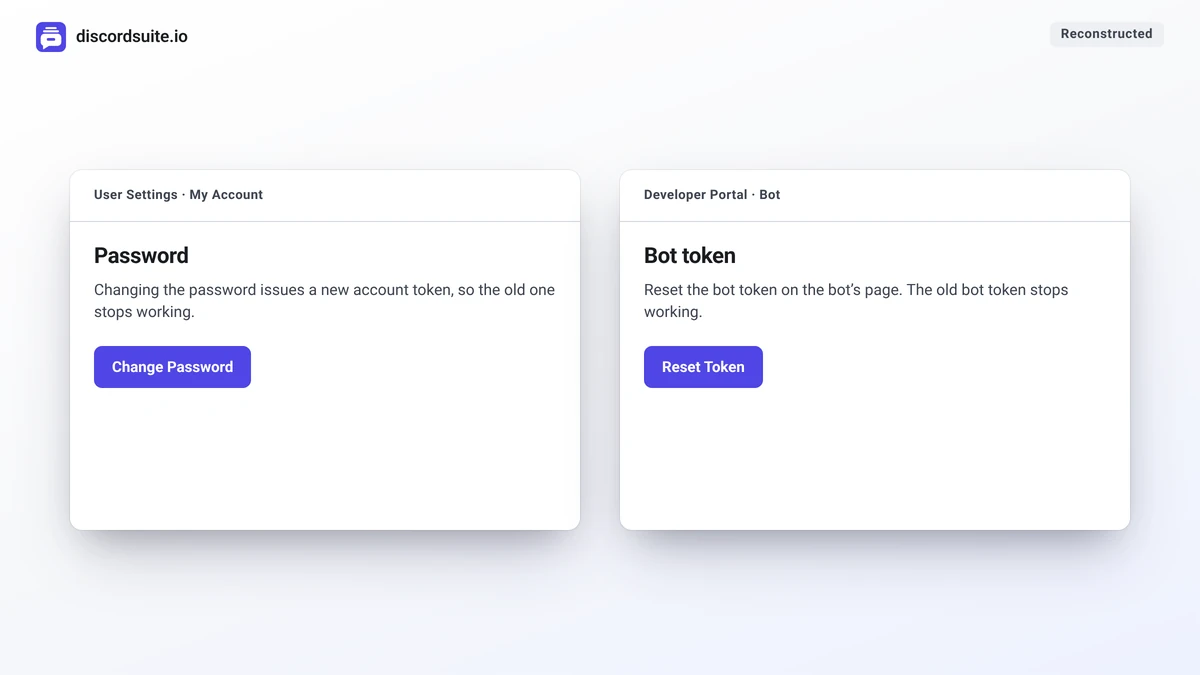
Change your password. Discord says this generates a new token, so the old one stops working.
- 2
Turn on two-factor authentication if it's off.
- 3
Report it to Discord's Safety team if you think the account was taken over.
For a bot token, open the bot's page in the Developer Portal and reset the token, then update it wherever the bot runs. If the bot's code is public, Discord asks you to remove the token from it.
What is a selfbot, and is it allowed?
A selfbot is a normal user account run by a script instead of a person, usually by feeding its account token to a program. Discord's position: "Automating normal user accounts (generally called 'self-bots') outside of the OAuth2/bot API is forbidden, and can result in an account termination if found." Its safety page adds that using a user token in any application, or any automation of your account, may lead to suspension or termination. Bots are the approved route for automation.
Does DiscordSuite ask for your token?
DiscordSuite never asks you to paste your account token or your password. Chat export uses the Discord session already open in your browser. Exports are built on your computer. One tool is different on purpose. The Member Exporter, for server owners, uses a bot you create yourself: you paste that bot's token into DiscordSuite, the bot needs no permissions but you must turn on Server Members Intent in the Discord Developer Portal, and Forget bot token removes it. As DiscordSuite's FAQ says, automated access to user accounts may break Discord's Terms, and Discord can restrict accounts. Nobody can promise what Discord will do. The full answer is in Is a Discord chat exporter safe? and How it works.
Related: Is a Discord chat exporter safe? · How DiscordSuite works · Member list export · Discord rate limits
Frequently asked questions
What is a Discord token?
A secret string that proves to Discord which account is making a request. Whoever has your account token can act as you without your password.
Is a Discord token the same as a password?
No. You type your password to log in, and Discord then issues a token that the app sends with each request. Changing your password generates a new token.
What is a Discord bot token?
The key for a bot account, created in Discord's Developer Portal. It lets a program act as that bot, within the bot's permissions.
What should I do if someone got my Discord token?
Change your password, which gives you a new token, turn on two-factor authentication and report it to Discord's Safety team.
Is using your own user token in a script allowed?
Discord says automating a normal user account (a selfbot) is forbidden and can lead to suspension or termination. Bot accounts are the allowed way to automate.