如何匯出 Discord 私訊

單一私訊匯出包含帳號可見的雙方訊息。群組私訊使用相同步驟,檔案依群組參與者命名。無法復原已刪除或無權存取的訊息。

在 discord.com 開啟頻道、討論串或私訊,選擇 HTML、PDF、Excel(XLSX)、CSV、JSON 或 TXT,設定範圍後匯出。

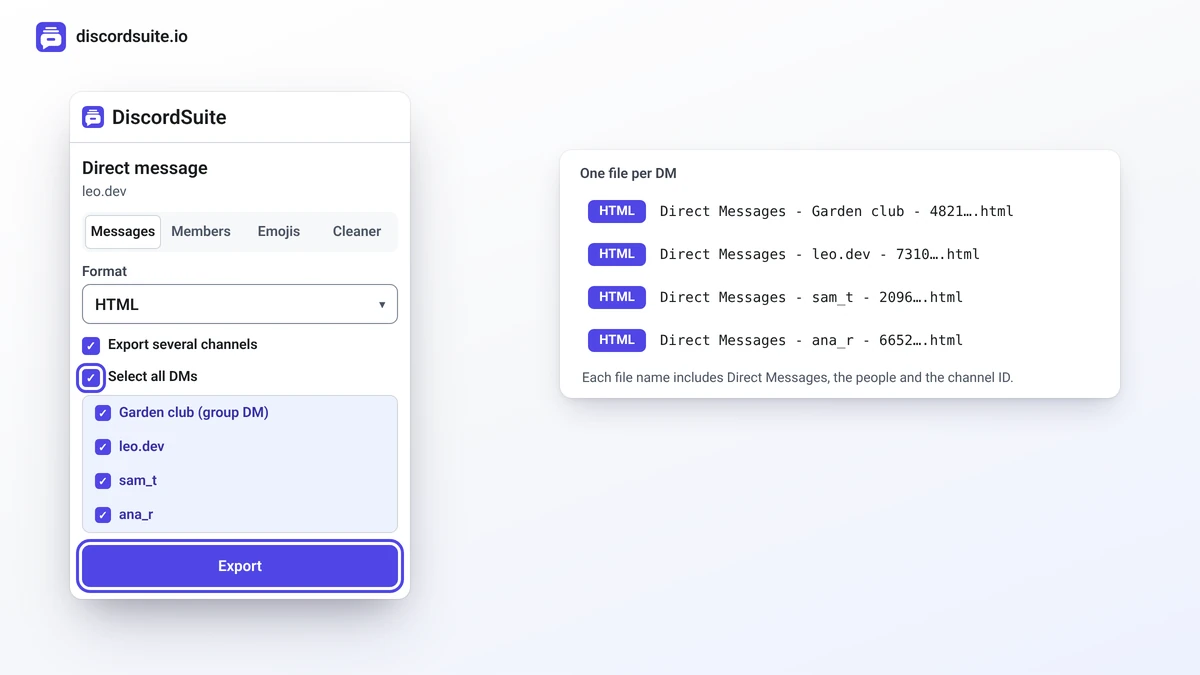
匯出所有私訊時,開啟收件匣或任一私訊,選擇多個頻道,再選全部私訊或指定對話。空白私訊不包含在內。需要 Chat Exporter 或 All tools,每個對話各存為檔案。僅媒體還需要 Media Downloader,且不能搭配僅新訊息。

DiscordSuite 可以將聊天儲存為 PDF。請在「格式」選單中選擇 PDF,然後點選匯出。
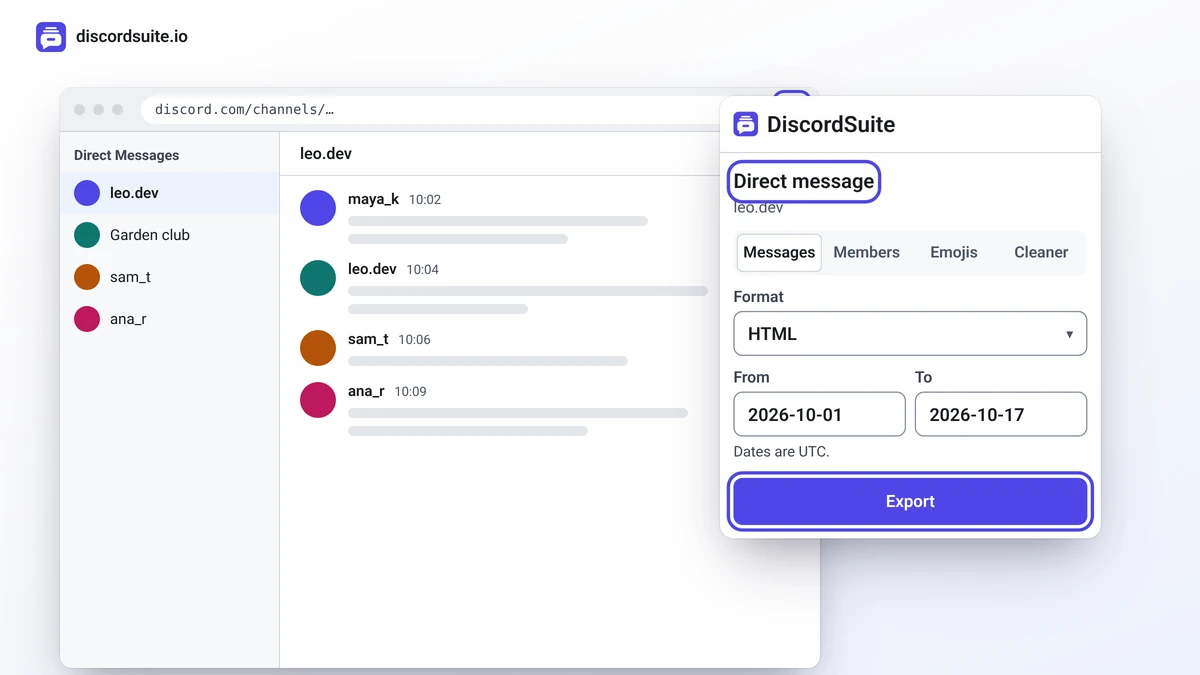
The DiscordSuite popup open on a Discord direct message conversation, with the Direct message heading, HTML format, a date range and the Export button highlighted, to export Discord DMs.
Open the DM, then export it from the Messages tab like any other chat.
The DiscordSuite popup with Export several channels and Select all DMs ticked, beside a list of the HTML files saved, one file per direct message conversation.
Select all DMs saves one file for each conversation.
可以下載 Discord 私訊嗎?

可以。開啟私訊,用 DiscordSuite 匯出為 HTML、PDF、Excel、CSV、JSON 或 TXT,一個檔案包含雙方訊息。這裡的「下載」是指把訊息儲存為電腦上的檔案,不需要另外的下載工具。

有 Discord 私訊匯出工具或私訊下載工具嗎?

有。DiscordSuite 的 Chat Exporter 是適用於 Chrome、Firefox 和 Edge 的瀏覽器擴充功能,可作為 Discord 私訊匯出工具使用。在 discord.com 開啟私訊,選擇格式並點選匯出。你會在一個檔案中得到對話雙方的訊息。

需要權杖嗎?匯出會導致我的帳號被封嗎?

不需要權杖,也不需要機器人。聊天匯出使用瀏覽器中已開啟的 Discord 工作階段,你無需貼上權杖。自動存取使用者帳號可能違反 Discord 的條款,因此任何使用你帳號的工具都有風險,我們不保證 DiscordSuite 對你的帳號是安全的。請參閱 Discord 聊天匯出工具安全嗎?