如何下载 Discord 表情与贴纸

在 Chrome、Firefox 或 Edge 中打开该服务器的一个频道,进入“表情”标签。选择表情、贴纸或两者,再选择静态、动画或全部,然后下载 ZIP。

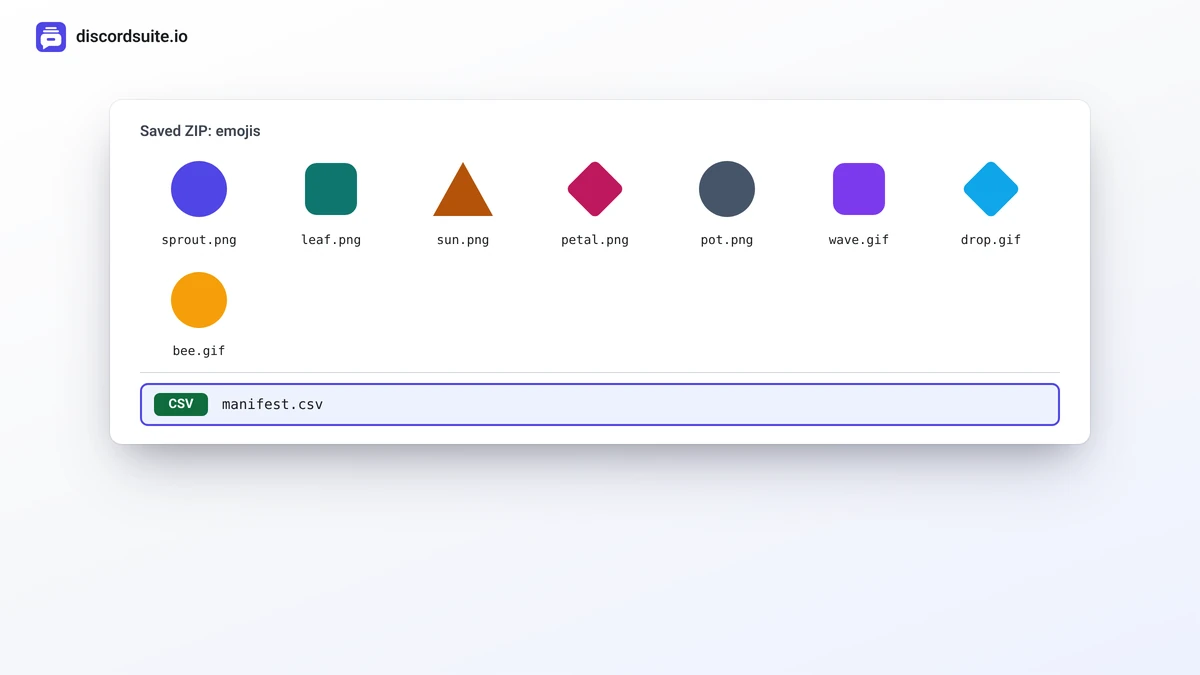
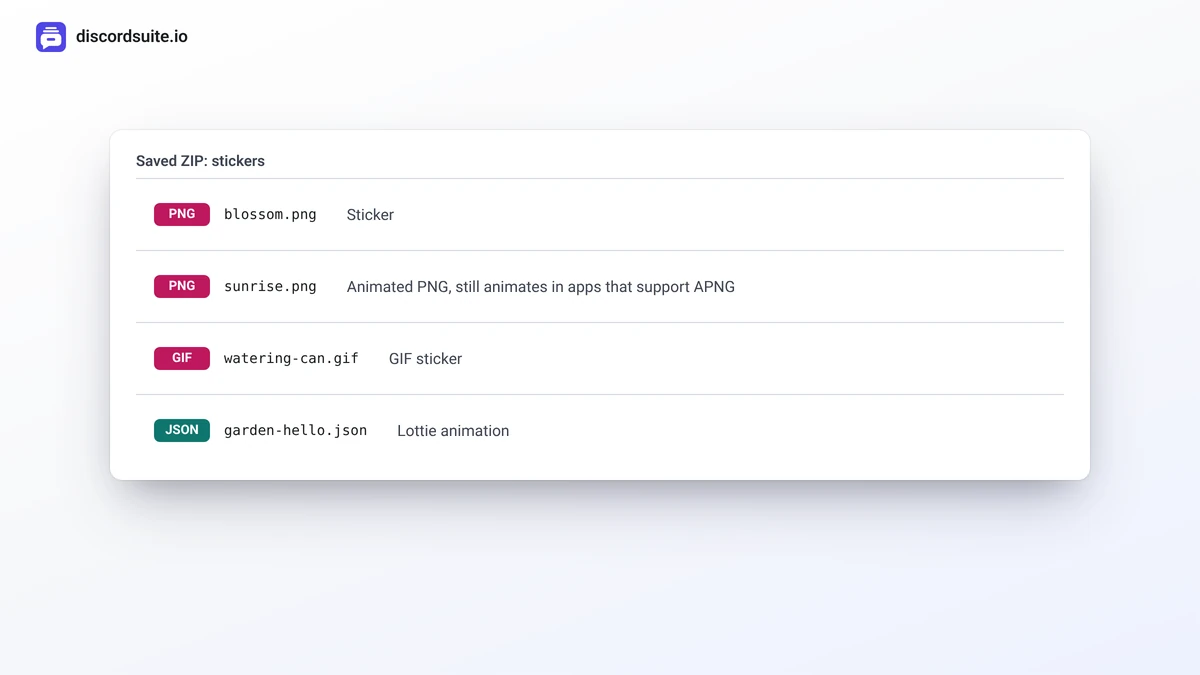
静态表情会保存为 PNG,尺寸为 Discord 提供的最大规格;动画表情保存为 GIF。贴纸可以是 PNG、动画 PNG、GIF,或以 .json 保存的 Lottie 动画。ZIP 内包含 manifest.csv。

若只要下载服务器中的贴纸,请在“表情”标签的“下载”下选择“贴纸”,然后点击“下载表情”。每张贴纸都会按 Discord 存储它的格式保存:PNG、动画 PNG、GIF,或 Lottie 的 .json。

在电脑上保存单个表情时,在新的浏览器标签页中打开其图片链接并保存。单个贴纸也一样:打开其图片链接或 Lottie .json 链接并保存。

同一选项卡可备份收藏 GIF。“仅列表”只生成 CSV 与 JSON 列表,不下载 GIF 文件。下载 Tenor 和 Giphy 文件时浏览器会请求权限;其他来源只列出链接。

在其他服务器或项目中使用他人的作品前,请征得作者同意。Emoji & Sticker Downloader 或 All tools 可移除相应下载限制。
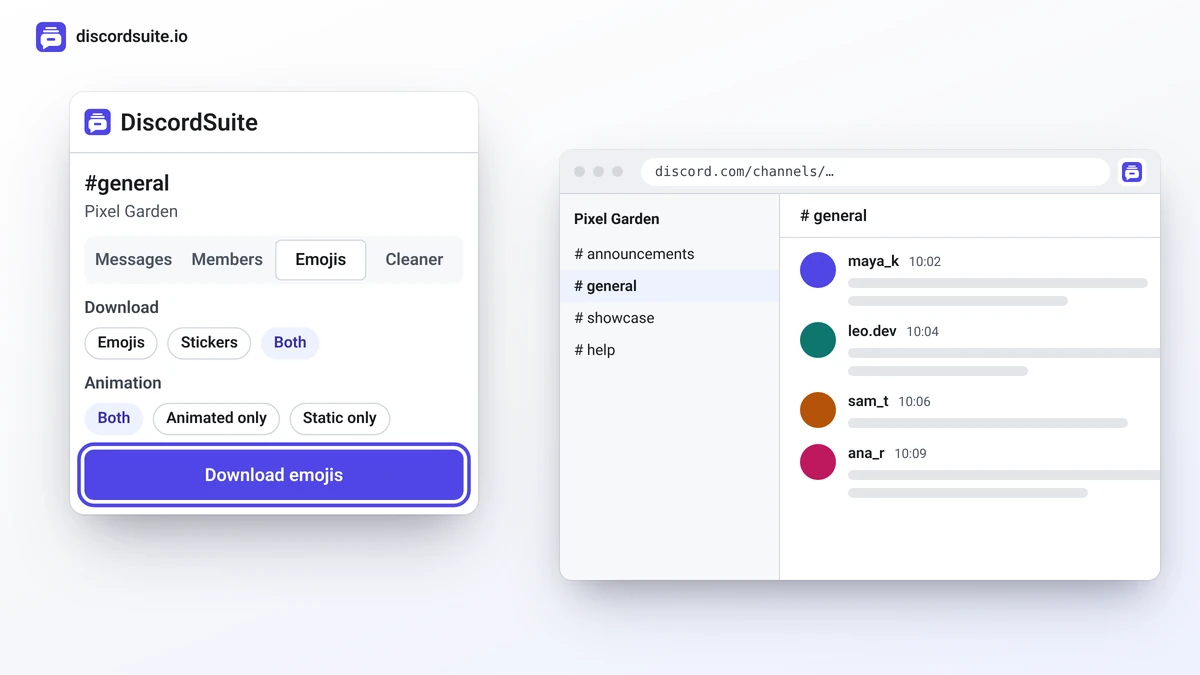
The DiscordSuite popup on the Emojis tab with Emojis, Stickers or Both and an animation choice, and the Download emojis button highlighted, beside a Discord server in the browser.
On the Emojis tab, choose emojis, stickers or both, then press Download.
A saved ZIP of a server's emojis: PNG and GIF files shown as thumbnails with their file names, plus a manifest.csv.
Emojis save as PNG, animated ones as GIF, with a manifest.csv.
A saved ZIP of Discord stickers listing a PNG, an animated PNG, a GIF sticker and a Lottie JSON file, each with a short note on its format.
Stickers save as PNG, animated PNG, GIF or Lottie JSON, depending on the sticker.
可以只下载动画表情吗?

可以。在“动画”下选择“仅动画”。只要静态表情就选“仅静态”,要全部就选“全部”。

不是管理员的服务器,也能下载表情吗?

可以。只要你能在 Discord 中打开该服务器,DiscordSuite 就可以下载其中的表情和贴纸。在其他地方使用之前请先征得同意。